
Last updated November 4, 2026
 Wrought iron
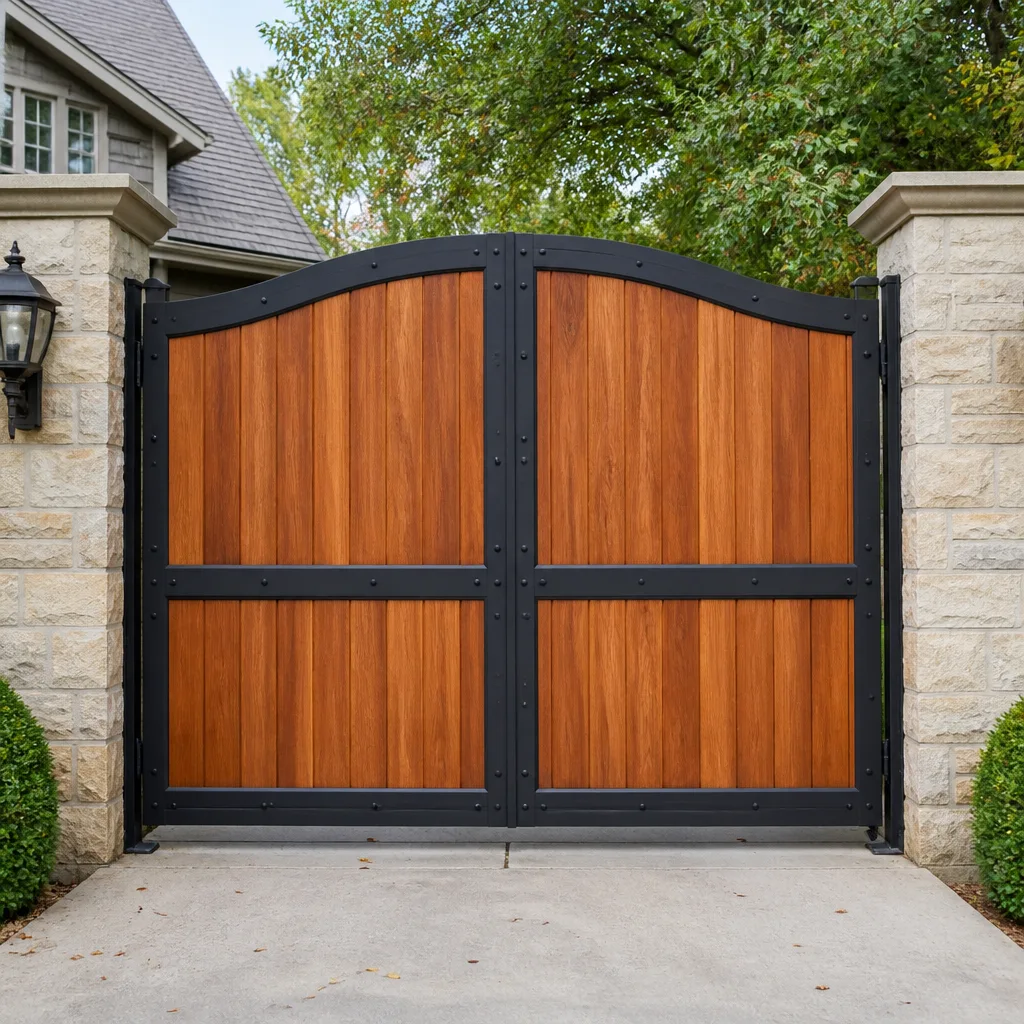 Wood & steel frame
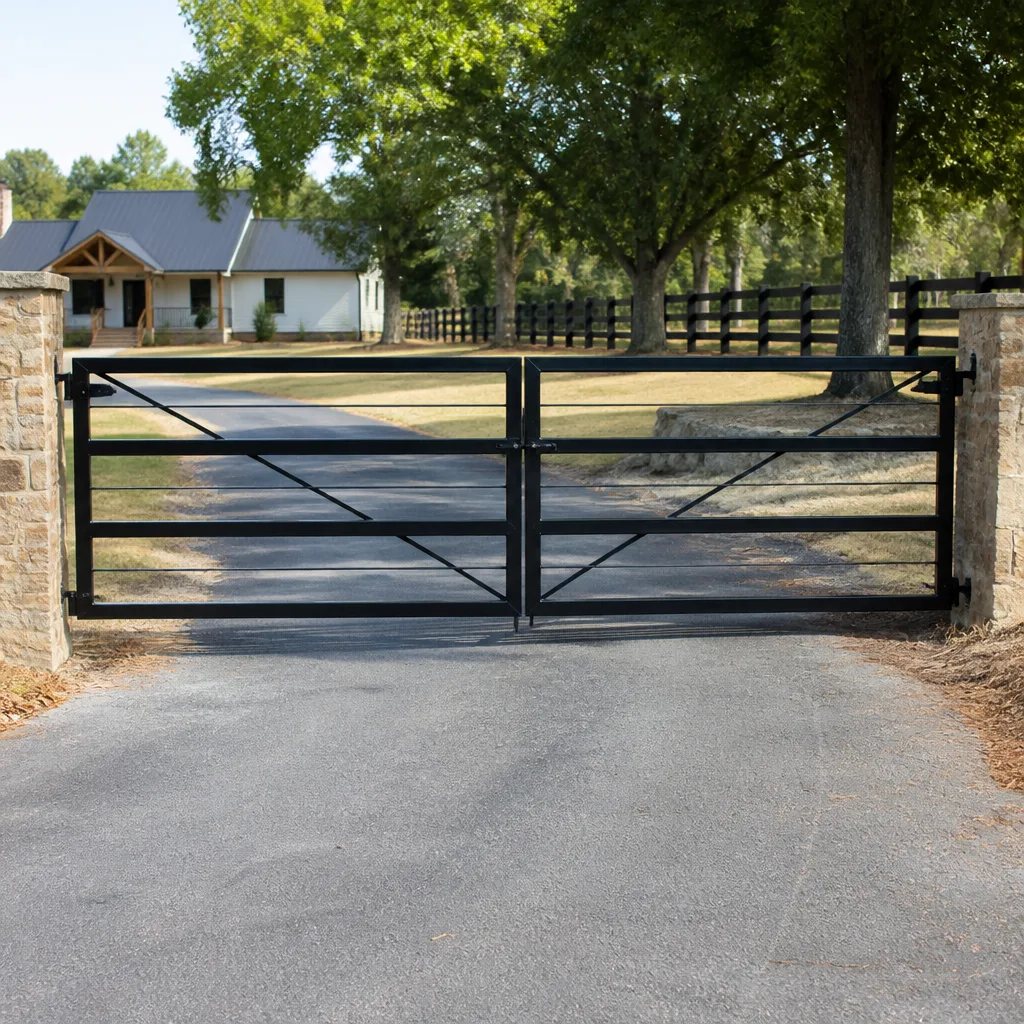 Farm & ranch
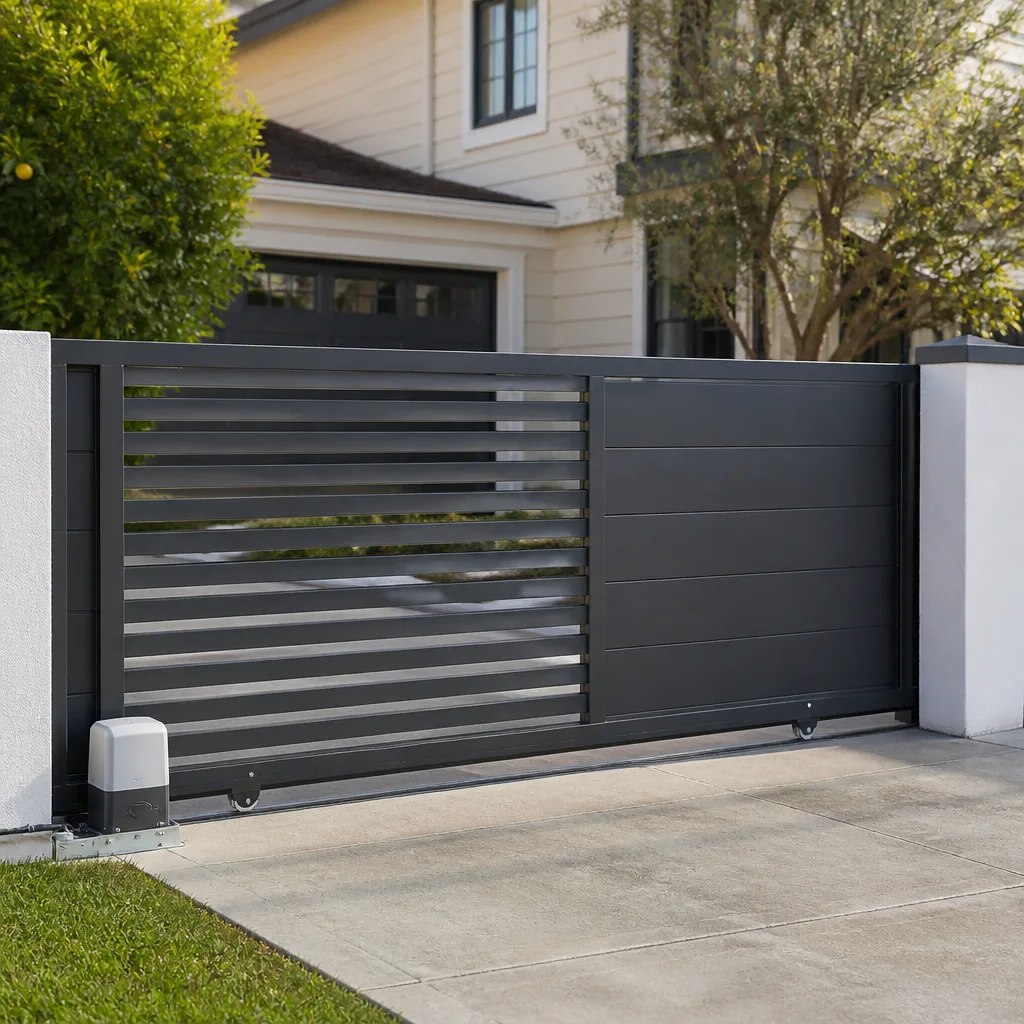 Sliding driveway gates
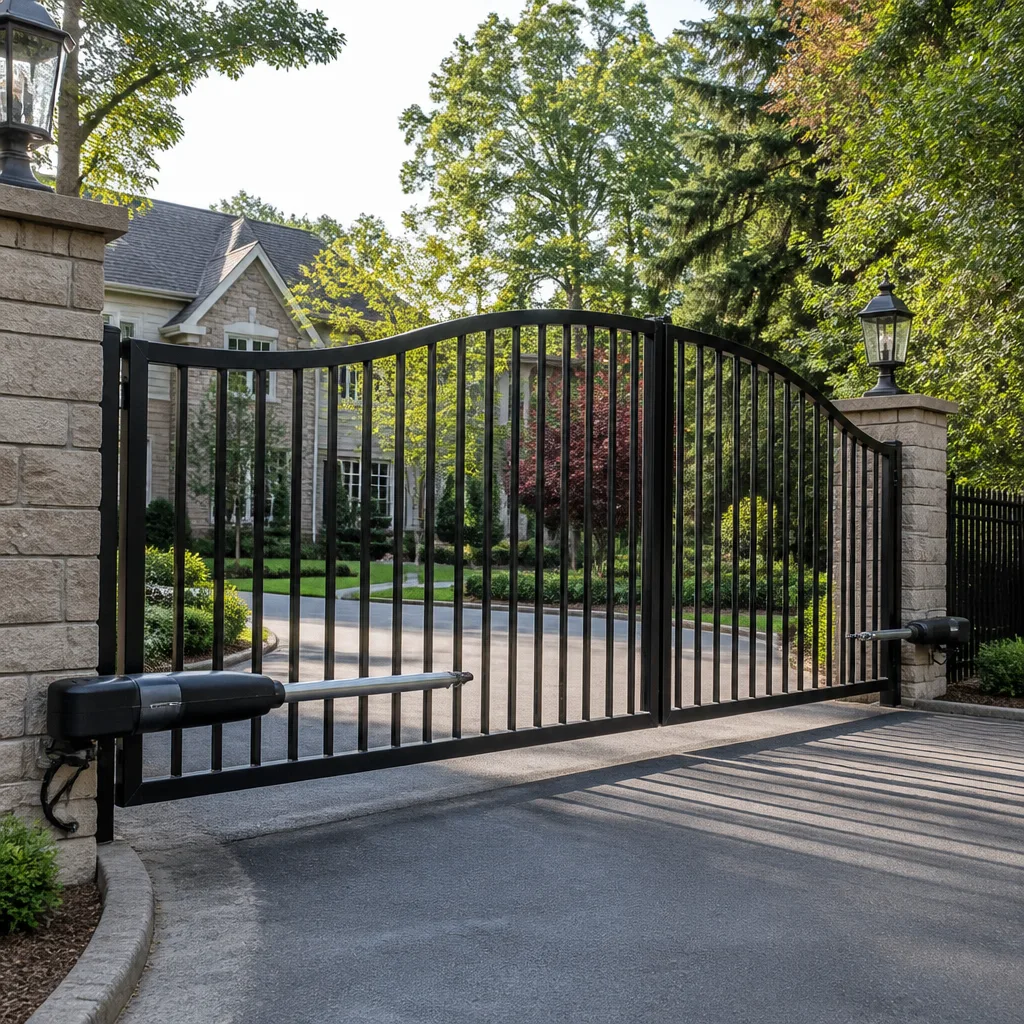 LiftMaster operators
Free on-site gate assessment - hinges, posts, and your LiftMaster or Nice gate operator checked before anything is quoted
The assessment is free and the quote is the invoice.
Get your free estimateGate Repair Troubleshooting in Westminster: Common Problems and How to Fix Them
A gate that reverses halfway open and a gate that won’t open at all look like completely different problems. They’re frequently the same one: a miscalibrated limit switch that two different technicians quoted two different fixes for. This guide teaches you to read your gate’s symptoms the way a specialist does before anyone picks up a wrench. We’ll walk through the six diagnostic categories that cover the vast majority of gate failures in Westminster, what each symptom actually tells you, and which ones demand immediate attention.
We’ve spent 15 years working exclusively on gates in Westminster, CA. What we’ve learned is that most homeowners don’t need a degree in electronics to narrow down the problem. They need a framework for listening to what their gate is already telling them.
Quick Answer
Most gate failures in Westminster fall into one of six categories: limit switch faults, power supply issues, control board failures, sensor problems, mechanical wear, or remote access breakdowns. The fastest way to diagnose your gate is to observe its movement pattern without touching anything. A gate that moves but stops at the wrong position points to a limit or sensor issue. A gate that doesn’t move at all points to power or the control board. A gate that moves erratically points to the board or a wiring fault. Call (866) 569-6562 for a free estimate from a Westminster gate specialist who can identify the exact fault by brand and symptom.
Styles & brands we work with
- Wrought iron
- Wood & steel frame
- Farm & ranch
- Sliding driveway gates
- LiftMaster operators
Table of Contents
- How Your Gate System Thinks: The Diagnostic Framework
- Gate Won’t Open at All: Power and Board Symptoms
- Gate Reverses or Stops Midway: Limit Switch and Sensor Faults
- Gate Makes Noise But Doesn’t Move: Motor and Gear Wear
- Fault Codes by Brand: Reading Your Gate’s Error Output
- Westminster Environmental Triggers: Humidity and Terminal Corrosion
- Why Resetting the Board Rarely Fixes the Problem
- Common Mistakes to Avoid
- When to Call a Professional
- Frequently Asked Questions
How Your Gate System Thinks: The Diagnostic Framework
Every automatic gate, whether it’s a slide gate on a commercial property or a swing gate on a Westminster driveway, operates on the same basic logic. A control board receives input from sensors and remote receivers, then sends commands to the motor. When something fails, the failure almost always lands in one of six places: the power supply, the control board, the motor or gear assembly, the limit switches, the safety sensors, or the remote access system.
The key diagnostic skill is separating what still works from what doesn’t. A gate that opens but won’t close tells you the motor, board, and power supply are all functioning. The problem is almost certainly in the safety sensor loop or the close limit switch. A gate that does nothing at all tells you the problem is upstream: power, transformer, or board. A gate that moves a few inches and stops tells you the motor is getting power but the board is cutting it off, which points to a limit or sensor fault rather than a motor failure.
How to read your gate’s movement pattern:
- No movement, no sound: Power supply, transformer, or blown fuse
- No movement, humming noise: Motor capacitor failed, or mechanical obstruction
- Moves a few inches, stops: Limit switch miscalibration or safety sensor triggered
- Moves halfway, reverses: Limit switch fault, obstruction detection, or force setting too low
- Moves erratically, starts and stops: Control board malfunction or loose wiring
- Opens fine, won’t close: Safety sensor loop or close limit switch
In Westminster, we see a lot of swing gates on residential driveways and slide gates on smaller commercial properties. The brand mix matters too. A DoorKing board fails differently than a Viking board. A Linear operator has different failure modes than a BFT. Knowing your brand narrows the diagnostic tree significantly. That’s why we work on specific systems rather than guessing across the board: LiftMaster, FAAC, BFT, Linear, Viking, Ghost Controls, DoorKing, Elite, and Mighty Mule. When we know the brand, we know the board architecture, the typical failure points, and the correct replacement parts before we arrive.
Gate Won’t Open at All: Power and Board Symptoms
A completely dead gate is the most alarming symptom, but it’s often the simplest to diagnose. The first question is whether the gate has power at all. Check the outlet or breaker that feeds the operator. In Westminster, many driveway gate operators are on a dedicated circuit, but some older homes share that circuit with outdoor lighting or a pool pump. A tripped GFCI outlet will kill the gate without any other symptom.
If power is confirmed at the outlet, the next suspects are the transformer and the control board. The transformer steps household current down to the low voltage the board and accessories use. A failed transformer produces a completely dead board: no LED indicators, no response from the keypad, no beeping. A failed board, by contrast, often shows some sign of life: a blinking LED, a relay click, or a fault code on the display.
Here’s the step-by-step we recommend for a dead gate:
- Confirm household power: Check the breaker, GFCI reset, and whether the outlet powers anything else.
- Look for any LED on the control board: A lit LED means the transformer and board are getting power. No LED means the transformer or its fuse is the likely culprit.
- Check the operator’s inline fuse: Most operators have a small blade or glass fuse on the board. A blown fuse often points to a short in a sensor or accessory, not just a bad fuse.
- Try the manual release: Most operators have a manual disconnect that lets you operate the gate by hand. This tells you whether the mechanical structure moves freely or is jammed.
- Listen for a relay click when you activate the remote: A click without motor movement points to the capacitor or motor. No click points to the board or receiver.
One thing we tell Westminster homeowners: if your gate is completely dead and you’ve confirmed power at the outlet, don’t keep resetting the breaker. A breaker that trips repeatedly is protecting you from a short. Find the short before you override the protection. We handle electric gate repair for exactly this scenario: diagnosing the electrical fault and repairing it at the source rather than replacing parts on a hunch.
Gate Reverses or Stops Midway: Limit Switch and Sensor Faults
A gate that starts moving, then stops or reverses before reaching the open or closed position, is the single most common symptom we see in Westminster. The cause is almost never the motor. When a motor fails, it fails completely or makes a distinct grinding noise. A gate that moves partway and reverses is the control board responding to bad information from a limit switch or safety sensor.
Limit switches tell the control board where the gate is in its travel. Most modern operators use magnetic limit switches or internal encoder systems rather than the mechanical switches of older models. When a limit switch drifts out of calibration, the board thinks the gate is somewhere it isn’t. The result: the gate stops too early, overtravels past the stop, or reverses because the board believes it has hit an obstruction.
Safety sensors, including photo eyes and edge sensors, serve a different function. They detect obstructions in the gate’s path and tell the board to stop or reverse. A misaligned photo eye, a dirty lens, or a failing edge sensor will cause the gate to reverse every time it tries to close. In Westminster’s dry summer months, dust buildup on photo eye lenses is a common culprit. In the humid months, condensation inside a sensor housing can cause intermittent false triggers.
Here’s what to check before calling for service:
- Clean the photo eye lenses on both sides of the gate opening. A soft cloth is enough. Don’t use abrasive cleaners on the lens.
- Verify the sensors are aligned. Most photo eyes have an alignment LED that changes color or blinks when the beam is broken or misaligned.
- Look for anything new in the gate’s path. A plant that grew over the summer, a car parked too close, or a trash bin shifted by wind can all block the beam.
- Check for visible damage to the edge sensor along the leading edge of the gate. Weather cracking in the rubber is a sign the sensor has degraded.
If these checks don’t resolve the symptom, the limit switches need recalibration. That’s a board-level adjustment that requires knowing the specific programming sequence for your operator. A Viking board’s limit programming is different from a BFT board’s. We see a fair number of gates in Westminster where a previous technician replaced a limit switch without recalibrating it properly, leaving the gate working but with reduced travel. The fix isn’t a new switch. It’s a proper calibration by someone who knows the brand.
Gate Makes Noise But Doesn’t Move: Motor and Gear Wear
When a gate hums, buzzes, or grinds but doesn’t actually move, the motor is receiving power but the mechanical drivetrain is failing. On slide gates, this often means a stripped gear, a broken chain, or a wheel that has seized on its track. On swing gates, it usually means a failed capacitor, a worn gearbox, or a hinge that has bound up from years of use without lubrication.
The capacitor is the most overlooked component in gate repair. It provides the initial burst of current that starts the motor turning. When a capacitor fails, the motor hums but can’t start. It’s a cheap part and a quick fix, but many homeowners in Westminster have been sold a full motor replacement when the only problem was a $20 capacitor. This is where brand knowledge matters. A Linear operator uses a different capacitor specification than a FAAC operator. Installing the wrong capacitor will burn out the motor in short order.
Gear wear produces a different sound: a grinding or clicking that corresponds to the motor turning but the gate not moving. On a slide gate, this is often a stripped drive gear or a tension problem in the chain. On a swing gate, it’s typically the gearbox inside the operator arm. Either way, the longer the gate is operated with stripped gears, the more damage is done to the mating components.
Manual gate problems follow a different logic. A manual swing gate that drags, binds, or won’t close fully usually has a hinge alignment issue or a sagging gate leaf. Westminster’s clay-heavy soil can shift over time, especially after heavy winter rains, altering the alignment of gate posts. A gate that once closed cleanly may begin to drag. We address manual gate issues under gate repair, including hinge replacement, post realignment, and weld repairs.
Fault Codes by Brand: Reading Your Gate’s Error Output
Most modern gate operators tell you what’s wrong before you open the cover. DoorKing, Viking, and LiftMaster boards all use fault code systems: a series of beeps or a digital display that corresponds to a specific failure. Learning to read these codes is the fastest way to narrow down the problem without touching a wire.
Here’s a reference for the three brands we see most often in Westminster:
LiftMaster gate operators:
- One beep, repeating: Limit switch fault or travel module failure
- Two beeps, repeating: Safety sensor obstruction or misalignment
- Three beeps, repeating: Force reversal triggered, typically an obstruction or binding gate
- Four beeps, repeating: Motor overheat condition or thermal shutdown
DoorKing gate operators:
- Continuous tone: Board is in programming mode or has a stuck button
- Rapid beeping: Entrapment sensor activated during closing
- Slow beeping: Battery backup is low or failing
- No beep, no LED: Power supply or transformer failure
Viking gate operators:
- Red LED flashing twice: Limit switch not detected during travel
- Red LED flashing three times: Obstruction detected, force setting too low
- Red LED flashing four times: Motor overcurrent or short in motor circuit
- Red LED solid: Board fault, reset required before further diagnosis
Before you reset anything, write down or photograph the code. A reset clears the fault memory on most boards. If the problem is intermittent, the code may not reappear for days, and the technician arriving later will have no record of what happened. Document the code, the time of day, and what the gate was doing when the code appeared. That information cuts diagnostic time considerably.
Westminster Environmental Triggers: Humidity and Terminal Corrosion
Westminster sits close enough to the coast that we get humidity patterns many people don’t expect. Morning marine layer from nearby Long Beach rolls through on summer mornings, and winter brings damp conditions that linger. For gate electronics, that means moisture inside operator enclosures is a persistent issue.
The most common environmental failure we see in Westminster is terminal corrosion on control board connections. LiftMaster and Mighty Mule boards, in particular, use screw terminals for sensor and accessory wiring. When humid air gets inside the operator housing, those terminals develop a fine layer of corrosion. The symptom is often intermittent: the gate works fine most of the time, then fails on the dampest mornings or after a period of disuse. Corrosion creates resistance, and resistance creates voltage drop, and a board that’s getting 11 volts instead of 12 behaves unpredictably.
UV exposure is the other environmental factor specific to our climate. Westminster gets strong sun for most of the year. Plastic housings on external sensors, keypads, and receiver antennas become brittle over time. Hairline cracks develop, moisture gets in, and the component fails slowly. A keypad that works intermittently in Westminster is often not a wiring problem. It’s a cracked housing that has let humidity reach the circuit board inside.
None of this is unique to any one neighborhood in Westminster. We see it across the city, from the residential streets near Westminster Boulevard to the commercial properties closer to the 405. The pattern is consistent: gates less than five years old rarely show environmental failures. Gates ten years and older show them regularly, especially if the operator housing has been opened repeatedly for repairs and the gasket was never reseated properly.
Why Resetting the Board Rarely Fixes the Problem
We get it. The gate stops working, the manual says to reset the board, and resetting makes the gate work again. The problem is that “working again” and “fixed” are not the same thing. A reset clears the fault state but doesn’t address the condition that triggered it.
Think of a limit switch fault as an example. The board detects that the gate didn’t reach its expected position, throws a fault code, and stops responding until reset. Resetting clears the code. The gate runs again. But the limit switch is still miscalibrated, and the next time the gate runs, it will throw the same fault again. Maybe not today. Maybe not this week. But the underlying condition hasn’t changed.
What a reset does is buy you time. Sometimes that’s useful: the fault was caused by a one-time obstruction, and clearing it is the correct fix. But if the fault recurs within days, the reset was masking a progressive failure. The danger is that progressive failures in gate systems get more expensive the longer they’re ignored. A worn limit switch eventually damages the board. A failing capacitor eventually burns out the motor. A corroded terminal eventually destroys the connector it’s attached to.
Before you hit reset, document these things:
- The exact fault code or LED pattern shown on the board
- The time of day and weather conditions when the fault occurred
- What the gate was doing: opening, closing, or stationary
- How many times the fault has occurred in the past week
That documentation is gold for a technician. It tells us whether we’re chasing an electrical problem, a mechanical problem, or an environmental one. And it’s the difference between a 20-minute repair and a multi-hour diagnostic session. For Westminster homeowners wanting a definitive answer rather than a temporary patch, we offer free estimates on all Gate Repair Westminster service calls.
Common Mistakes to Avoid
- Resetting the board every time the gate fails. Each reset clears the diagnostic evidence. After three or four resets, the technician has nothing to work with except a gate that “sometimes doesn’t work.”
- Spraying lubricant on the track, chain, or gears. Liquid lubricants attract dirt. On a slide gate in Westminster’s dry season, that dirt becomes an abrasive paste that accelerates gear and wheel wear.
- Ignoring a gate that opens fine but struggles to close. Most people prioritize getting out over getting in. A closing problem often points to a failing safety sensor, and a failed safety sensor can become an entrapment hazard.
- Bypassing safety sensors to “fix” a reversing gate. The sensors are there to prevent the gate from closing on a person, pet, or vehicle. Bypassing them creates a liability and a real physical danger.
- Replacing the remote battery before checking the receiver. If the remote’s LED lights up but the gate doesn’t respond, the problem is usually the receiver or the board, not the remote. New batteries won’t fix a dead receiver.
- Attempting board-level repairs without brand documentation. DoorKing, Viking, and LiftMaster boards are all different. Wiring diagrams from one brand don’t transfer to another. Guesswork at the board level can fry an expensive component.
When to Call a Professional
Some gate problems are safe to investigate yourself: cleaning a photo eye, tightening a loose battery terminal in the remote, checking a breaker. Others are not. If you’re looking at a control board with exposed terminals, a gate leaf that’s off its track, or an operator arm that’s separated from the gate, stop and call someone who does this daily. Slide gates weighing several hundred pounds can crush a person if they come off their track while you’re working on them. High-voltage terminals inside the operator enclosure carry enough current to cause serious injury.
The line we draw for Westminster homeowners is simple: if the fix involves opening the operator enclosure, touching wiring, or lifting the gate off its hardware, it’s a professional job. Everything else is fair game for the diligent homeowner. Gate Repair Westminster offers free estimates in Westminster. Call (866) 569-6562. We answer 24/7. Fast dispatch from 7am to 7pm, Sunday through Friday.
Frequently Asked Questions
Gate repair costs in Westminster vary depending on the fault and the brand, but most repairs fall into a predictable range: sensor realignment and cleaning typically runs $85 to $150, limit switch replacement and calibration $150 to $300, capacitor replacement $100 to $180, and control board replacement $300 to $700 depending on the operator. The written estimate sets the final price before any work begins. Call (866) 569-6562 for a free estimate on your specific gate.
A gate that reverses during closing is responding to either a safety sensor detecting an obstruction or a limit switch that’s out of calibration. Clean the photo eye lenses and check for anything in the gate’s path first. If the problem persists, the limit switch or sensor needs professional adjustment. We diagnose and repair reversing gates across Westminster.
In most cases, yes. We answer 24/7 and dispatch technicians from 7am to 7pm, Sunday through Friday. Many Westminster gate repairs are completed on the first visit because we carry brand-specific parts for LiftMaster, FAAC, BFT, Linear, Viking, Ghost Controls, DoorKing, Elite, and Mighty Mule systems. Call (866) 569-6562 and we’ll get you on the schedule.
A failing control board typically produces erratic behavior: the gate works sometimes but not others, the remote only works at close range, LED lights blink in patterns you haven’t seen before, or multiple unrelated features fail simultaneously. If resetting the board fixes the problem temporarily but it recurs within days, the board is likely on its way out. We test boards across all nine brands we service before recommending replacement.
Yes. We work on LiftMaster gate operators specifically, including limit switch calibration, control board replacement, sensor alignment, and full operator replacement. Because we work on LiftMaster systems regularly, we can often diagnose the fault from the symptom pattern before we arrive. Call (866) 569-6562 for a free estimate.
In Westminster, morning gate failures are frequently caused by condensation inside the operator housing. Overnight humidity causes moisture to collect on terminals and sensors, creating resistance that clears as the day warms up and the moisture evaporates. This is a progressive problem: the corrosion worsens over time until the gate fails regardless of weather. It’s worth having the operator housing inspected and the terminals cleaned before the problem becomes permanent.
The Bottom Line
Most Westminster gate failures fall into predictable patterns, and knowing the pattern saves time and money. A gate that doesn’t move at all points to power or the board. A gate that moves partway and reverses points to limit switches or sensors. A gate that makes noise but doesn’t move points to the capacitor or gears. A gate that fails on damp mornings points to terminal corrosion. Learning to read those symptoms is the difference between a quick diagnosis and a weekend of frustration. When you need a Westminster gate specialist who works across all nine major brands and knows the difference between a Viking board fault and a DoorKing limit drift, call (866) 569-6562. We answer 24/7. The estimate is free, and the price is set before any work starts.
Written by the team at Gate Repair Westminster, serving Westminster since 2011.
See the difference
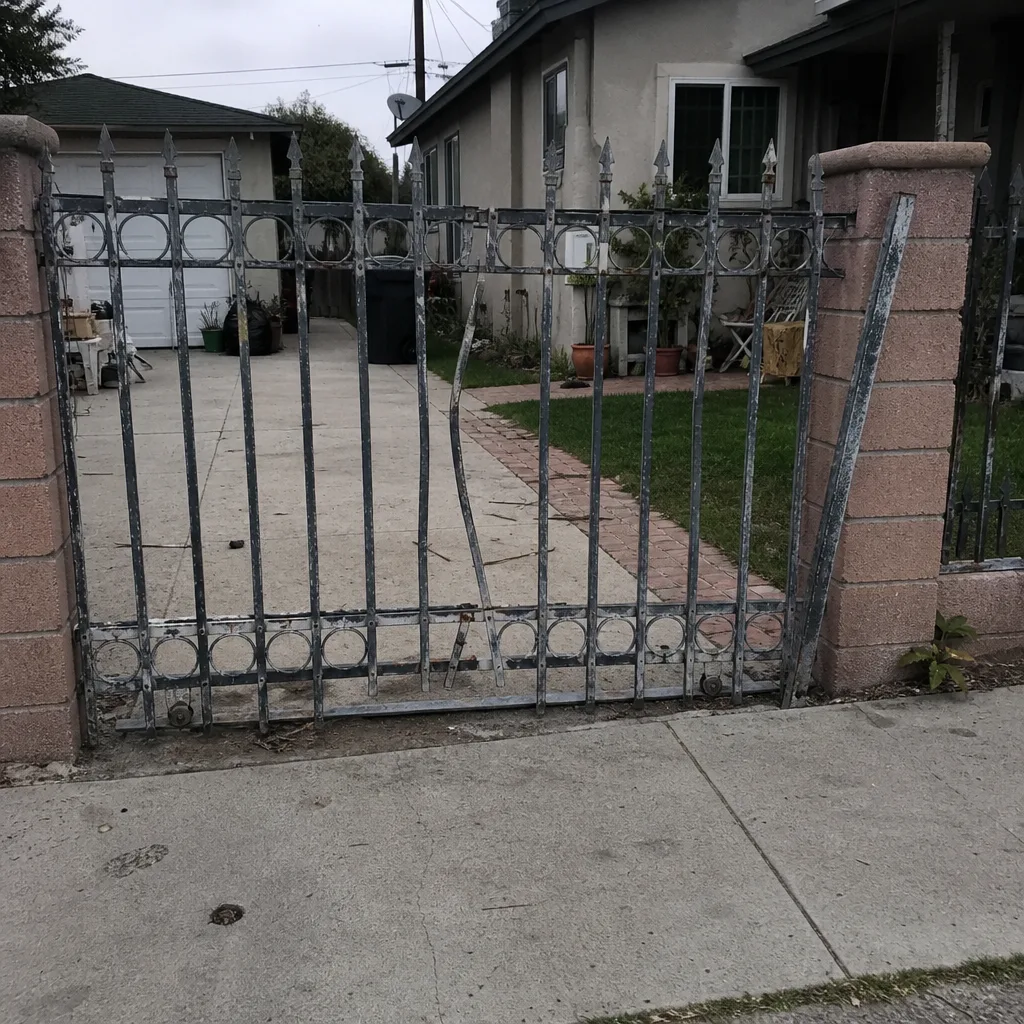 Before
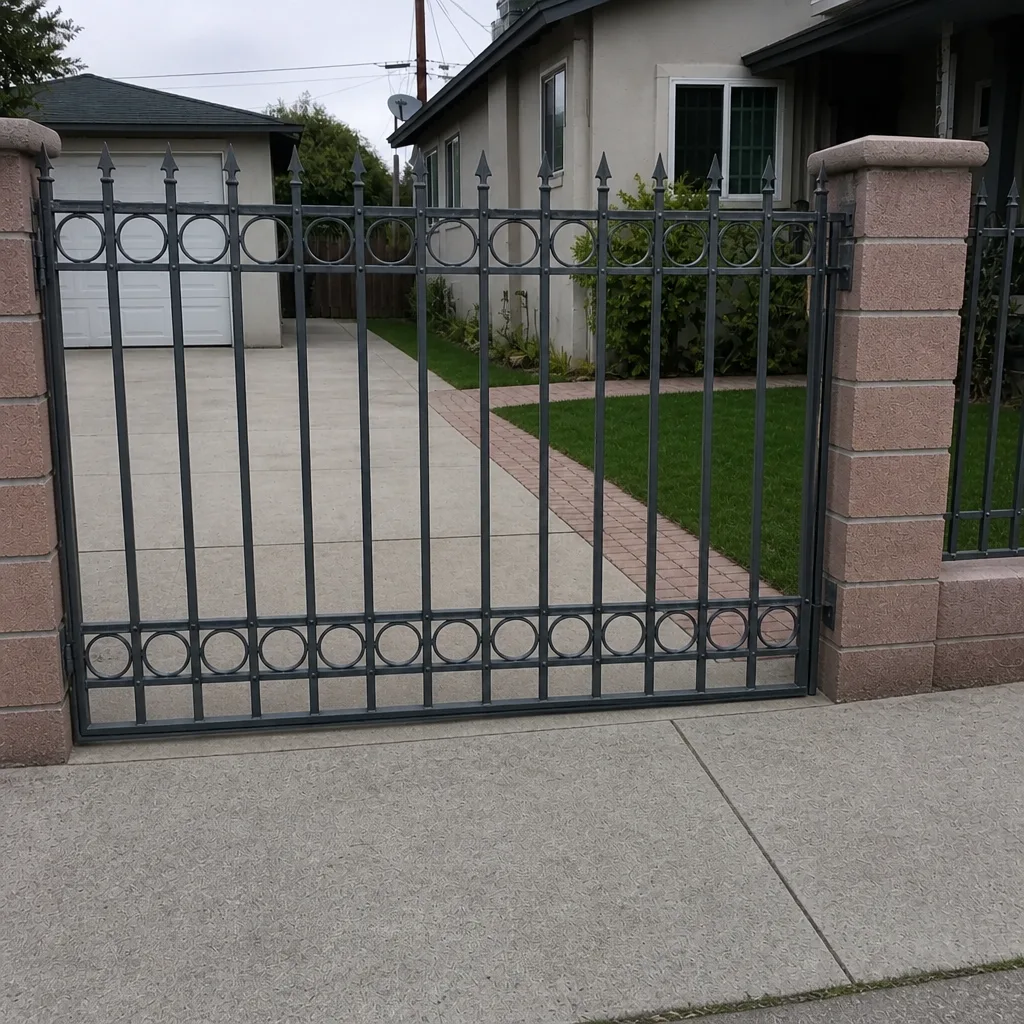 After
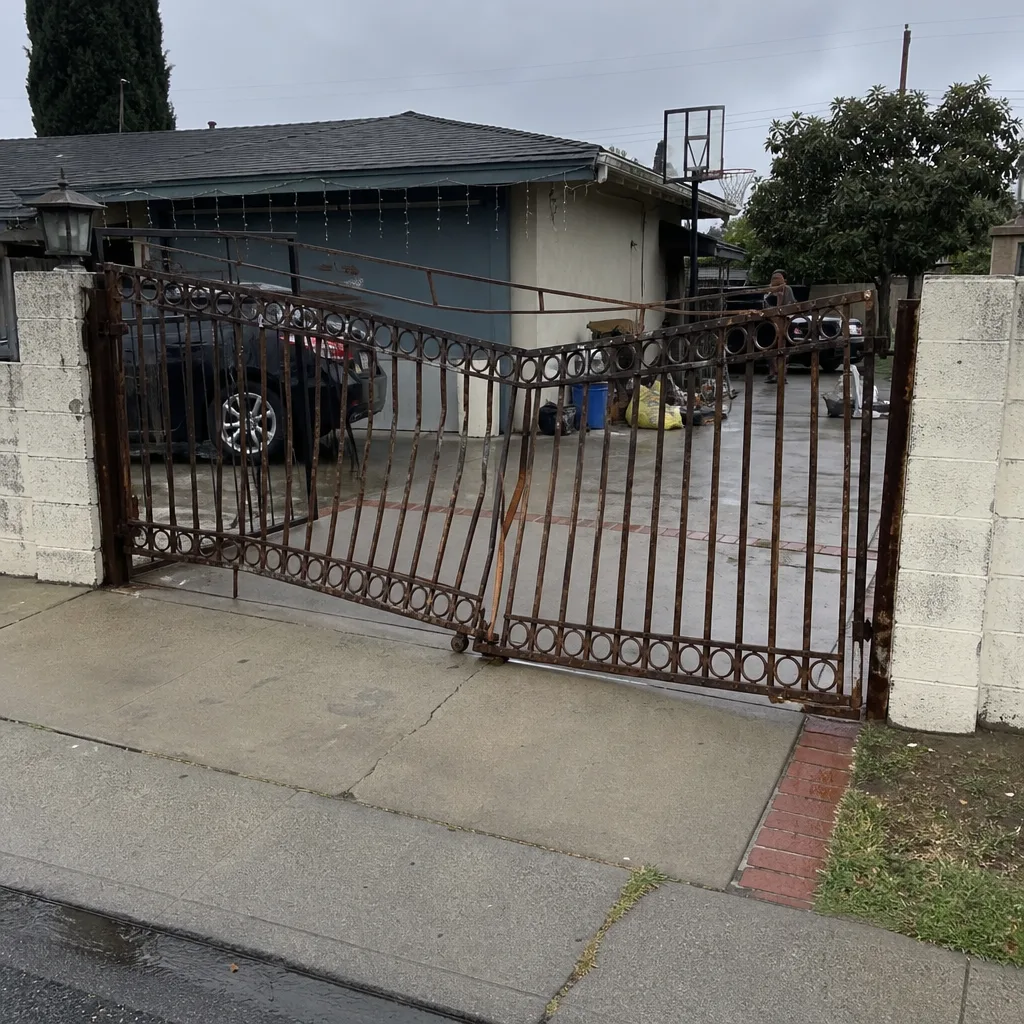 Before
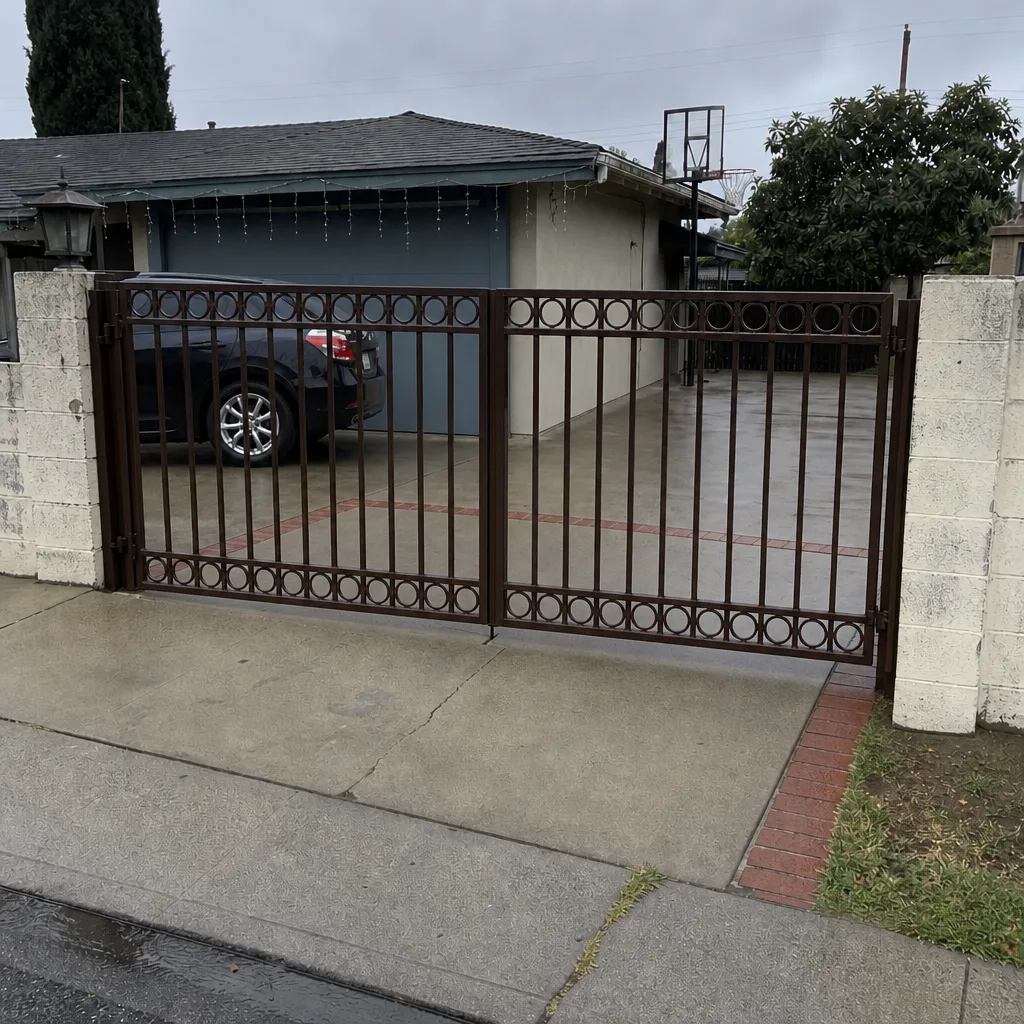 After
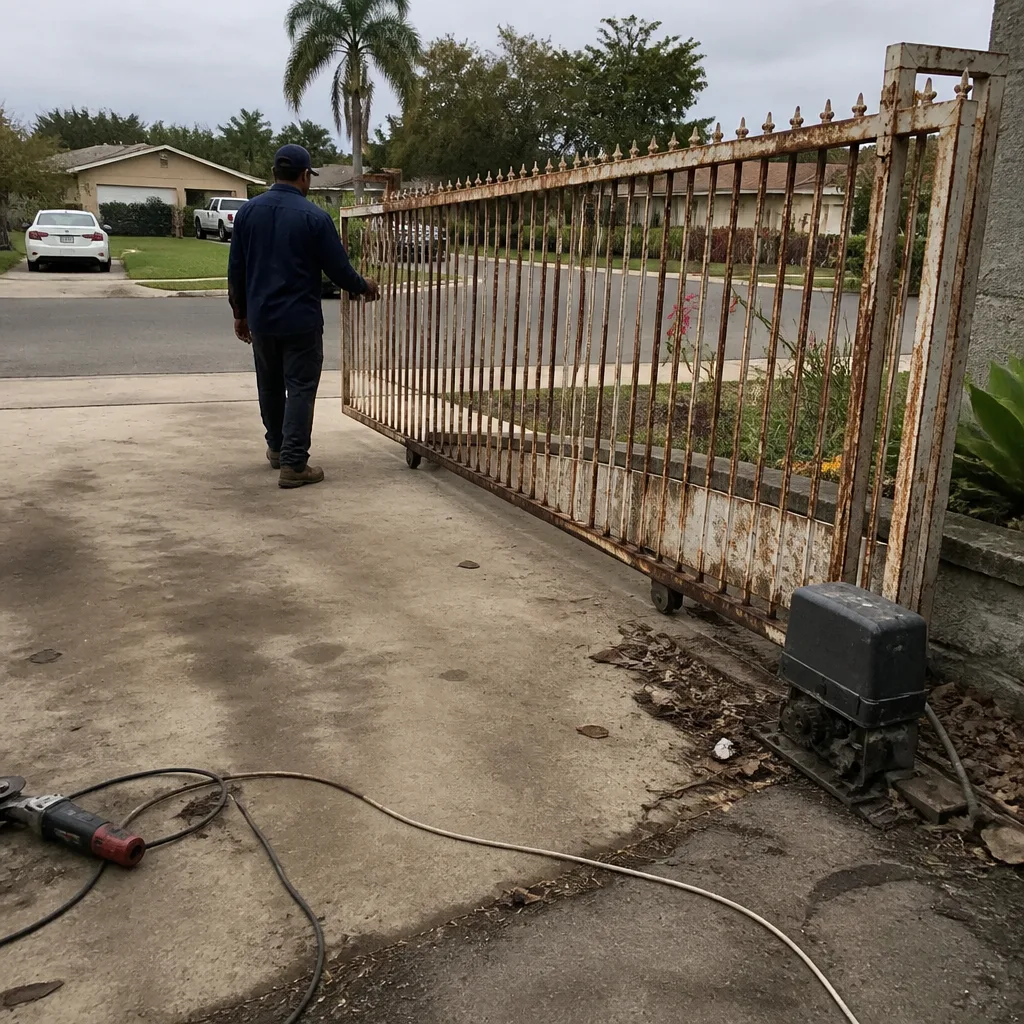 Before
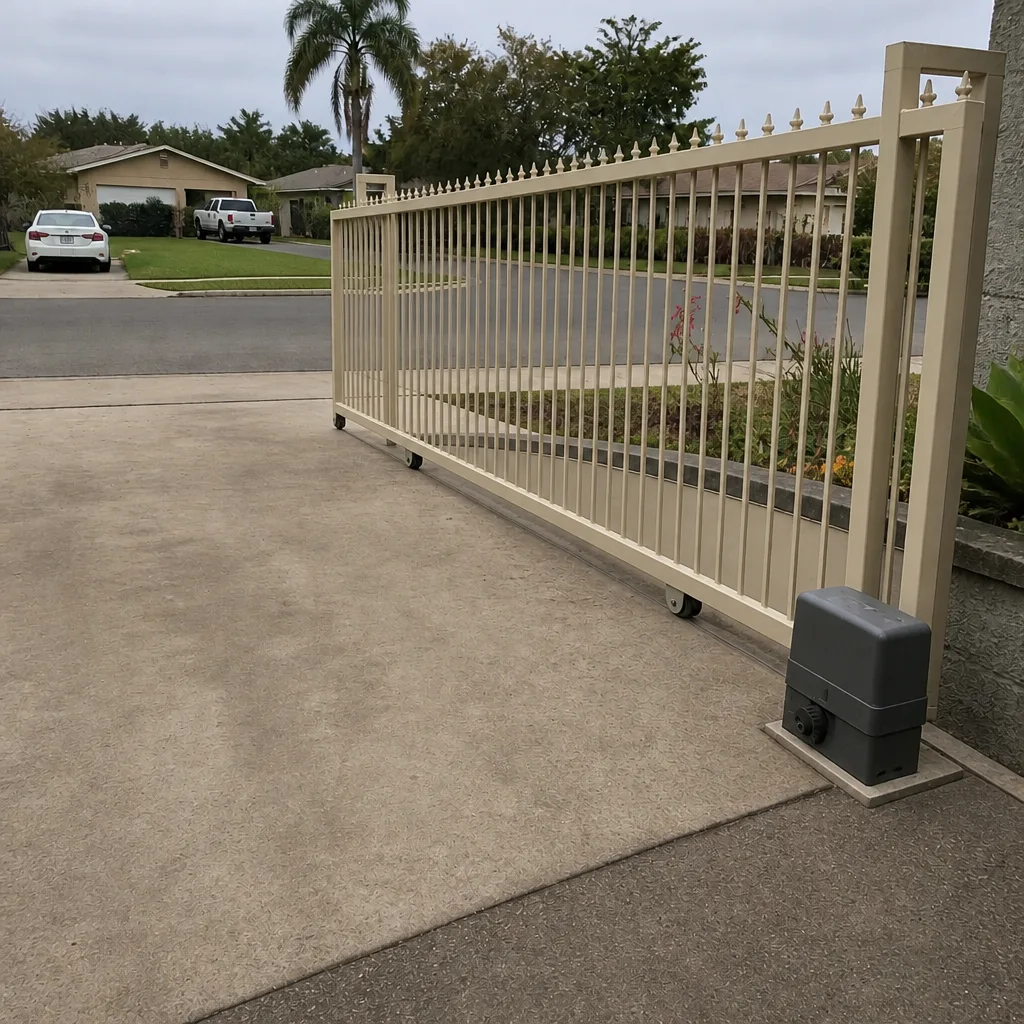 After